This section describes the menu items in the My account block.
General
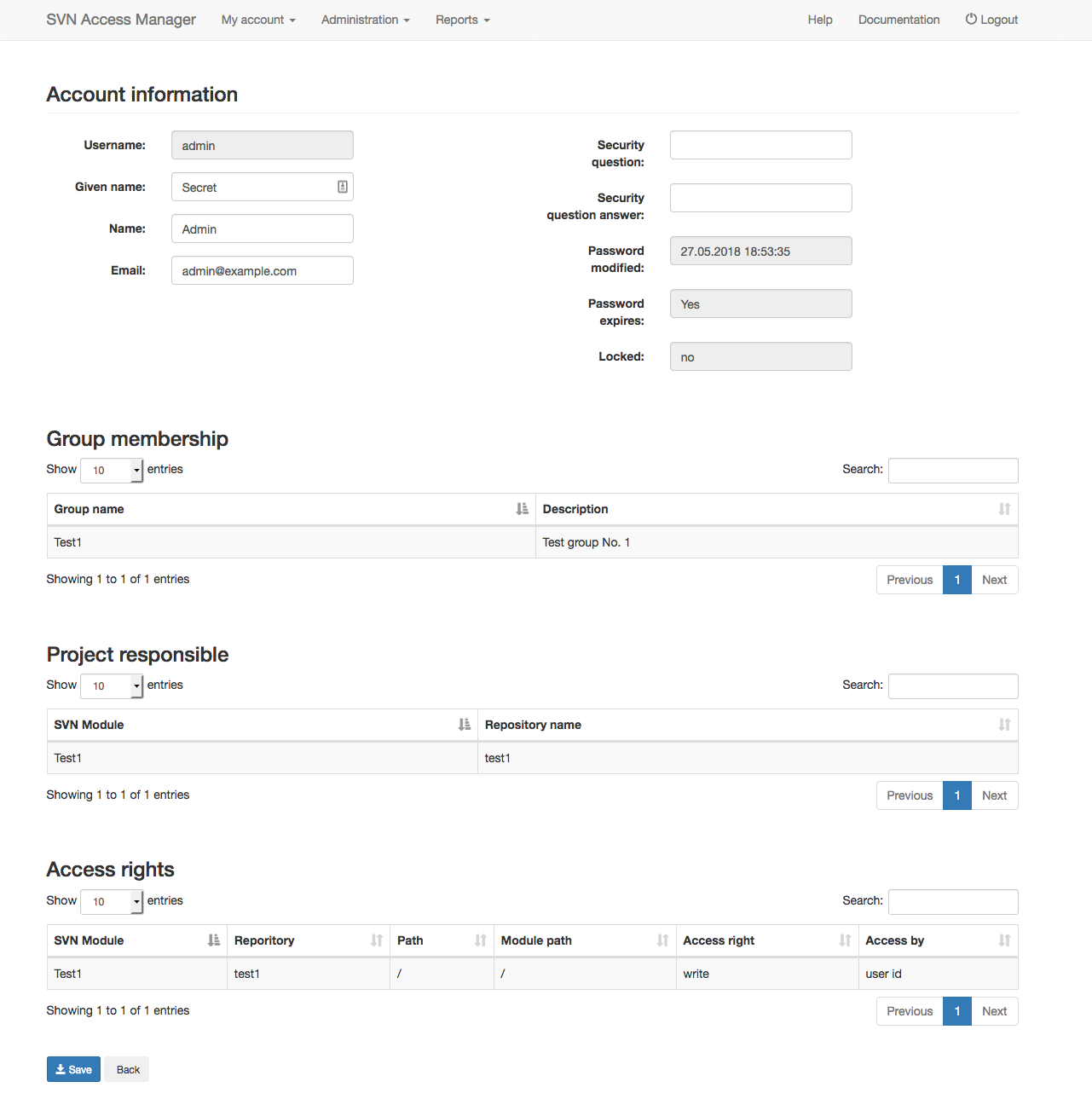
The General menu item gives you access to the data stored about you. Make sure your e-mail address is correct and working — otherwise you will miss messages about your account, which can result in a blocked account. You can also set a security question and answer, which lets you recover your own password. Without one, you need an administrator’s help to recover a lost password.
Password
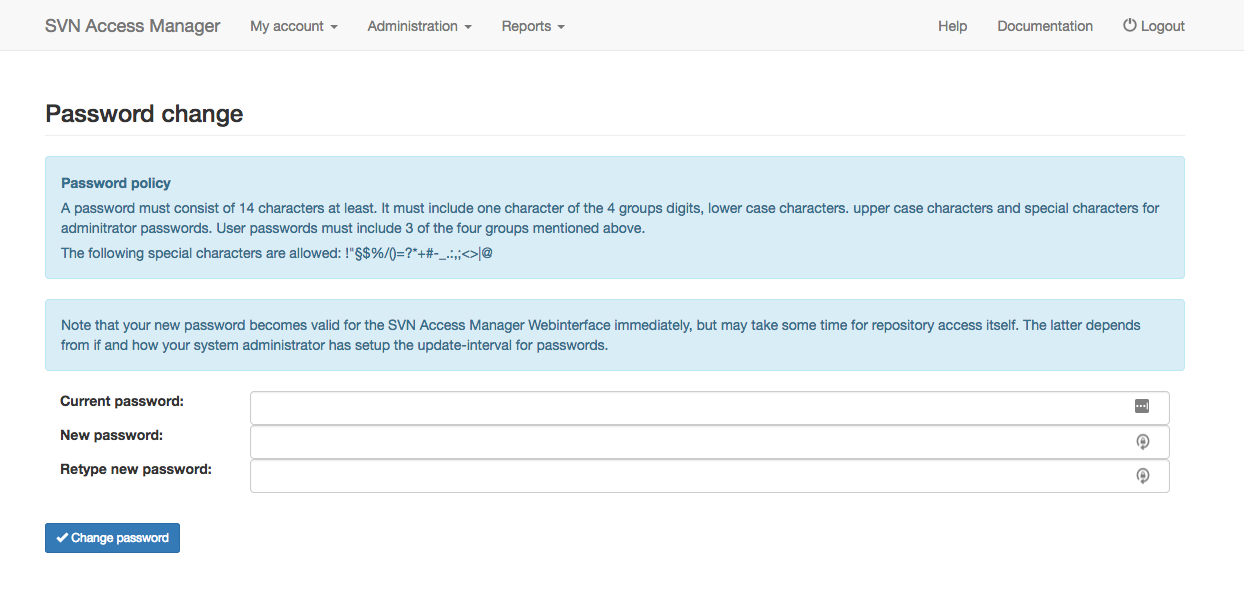
To change your password, enter your current password and the new one twice, to avoid typos. Your new password must satisfy the password policy shown on this page.
The new password becomes valid for the web interface immediately, but may take a little longer to apply to repository access itself — this depends on how your administrator configured the password update interval.
Preferences
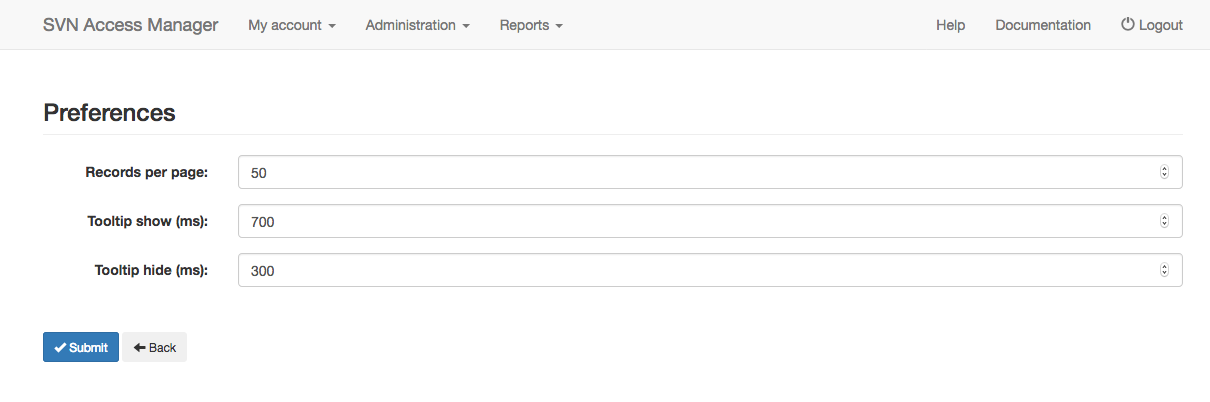
Set your personal preferences: the page size used for tables, and how long a tooltip takes to appear and disappear. The page size only takes effect the first time a table is shown; if your browser supports HTML5, each table’s settings are then remembered in the browser’s local storage.